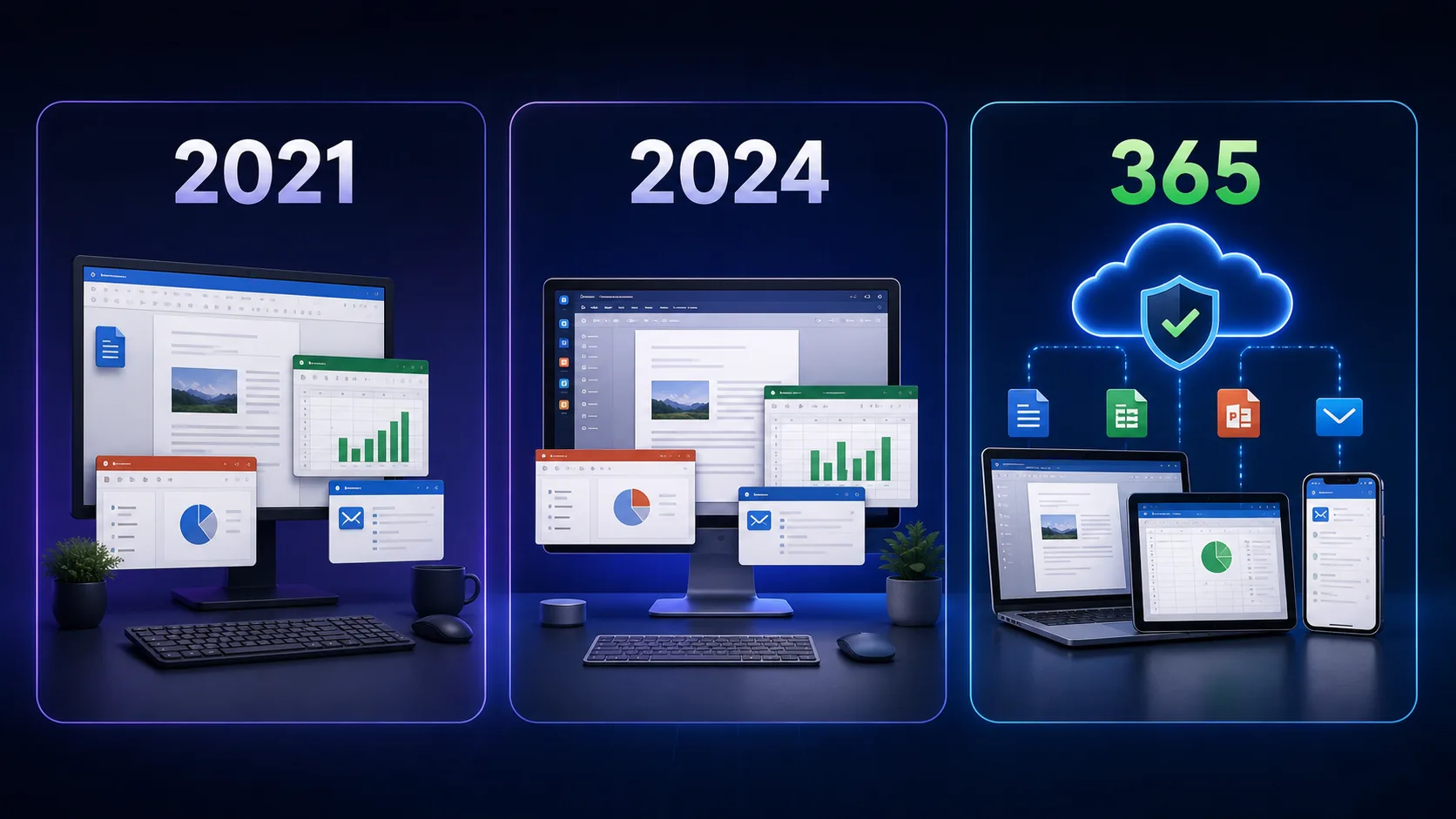
Microsoft Office 2021 End of Support 2026: What Happens After October 13?
Office 2021 support ends on October 13, 2026. Here is what changes, what keeps working, and the safest upgrade path for your PC.

Quick answer: Microsoft support for Office 2021 ends on October 13, 2026. Your installed apps may continue to open, but Microsoft will no longer provide security fixes, bug fixes, or technical support for that version.
What you need to know
- Your Office 2021 license does not automatically disappear on the end-of-support date.
- Microsoft security and quality updates stop after October 13, 2026.
- For a supported setup, compare a one-time Office 2024 purchase with a Microsoft 365 subscription.
What changes after October 13, 2026?
| Area | After support ends |
|---|---|
| Office apps | Word, Excel and other installed apps may still launch. |
| Security updates | Microsoft no longer supplies security fixes for Office 2021. |
| Bug fixes | No new reliability or compatibility fixes are expected. |
| Microsoft support | Microsoft technical support for this version ends. |
The practical concern is not an immediate shutdown. It is the growing security and compatibility risk of using software that no longer receives vendor updates—especially for email attachments, business files, macros, and shared documents.
DigiT World customer assistance continues
Microsoft's product lifecycle and DigiT World's customer assistance are different services. The Microsoft deadline does not cancel a valid purchase. DigiT World will continue to help eligible customers with order delivery, activation guidance, and product-related assistance under our support terms. We cannot create Microsoft security updates or extend Microsoft's official lifecycle.
Will Office 2021 stop working?
Microsoft does not say the desktop apps will be remotely disabled on October 13. They may keep working, but an unsupported installation becomes a weaker long-term choice. Connections to newer cloud services, file formats, Windows versions, or third-party add-ins may also become less predictable over time.
If you keep Office 2021 temporarily, use a supported Windows version, maintain reliable backups, avoid untrusted macros and attachments, and plan your move before the deadline.
Your two practical upgrade paths
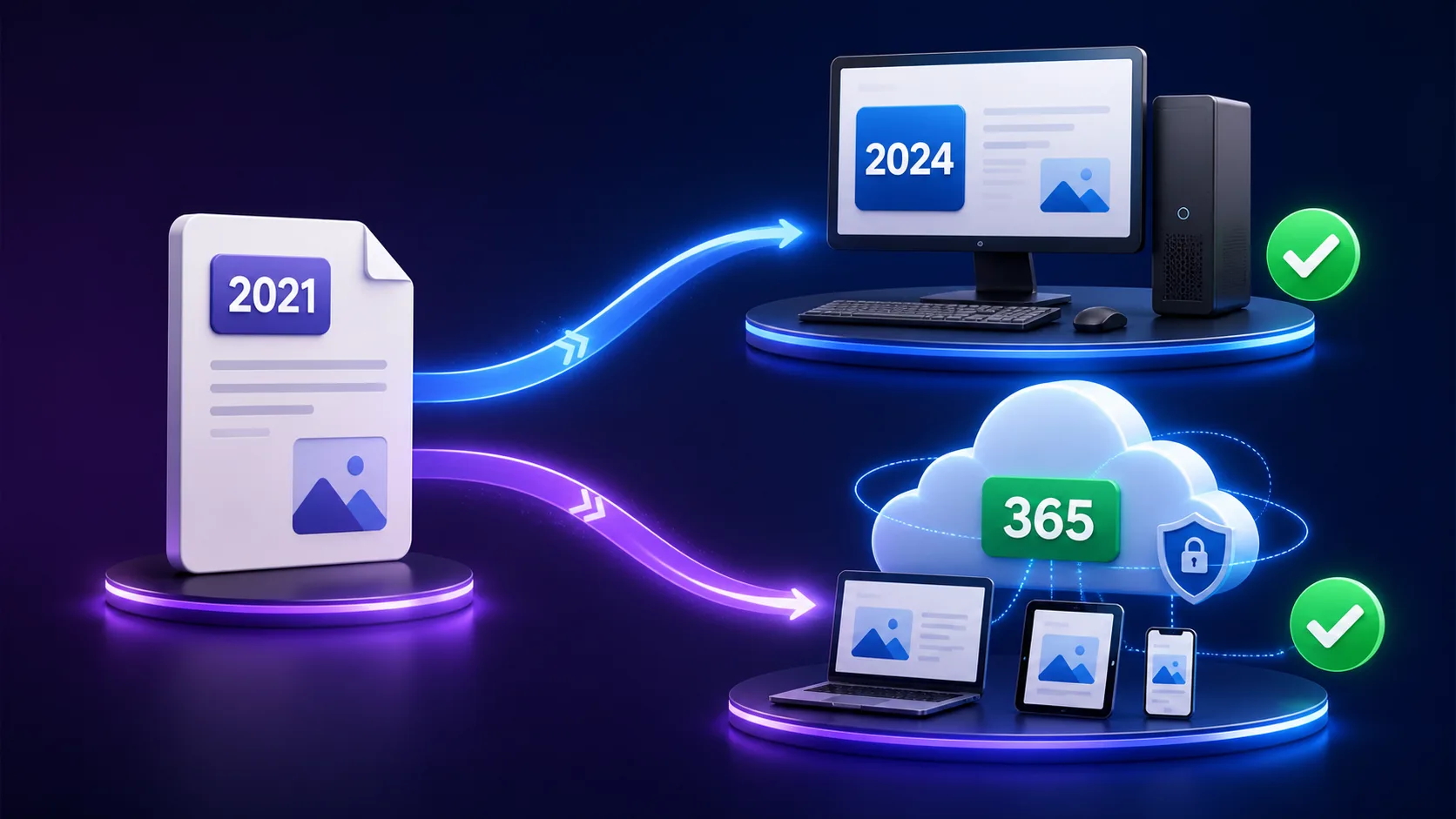
| Option | Best for | Payment model |
|---|---|---|
| Office 2024 | One PC or Mac, stable desktop apps, no recurring fee | One-time purchase |
| Microsoft 365 | Multiple devices, cloud storage, collaboration and ongoing feature updates | Subscription |
Microsoft describes Office 2024 as a one-time purchase for classic desktop apps on one PC or Mac. Microsoft 365 is a subscription with continuously updated apps and multi-device/cloud benefits that vary by plan.
Simple recommendation: choose Office 2024 when you want a supported, one-time desktop purchase. Choose Microsoft 365 when you value ongoing feature updates, OneDrive storage, collaboration, and use across several devices.
A short action checklist
- Open any Office app and check File > Account to confirm your edition.
- List the devices and apps your household or business actually needs.
- Back up important documents, Outlook data, and templates.
- Compare Office 2024 and Microsoft 365 Family.
- Move before the deadline rather than during an urgent project.
Frequently Asked Questions
When does Office 2021 support end?
Microsoft lists October 13, 2026 as the end-of-support date for Office 2021.
Will my Office 2021 license become invalid?
The support deadline does not automatically revoke a valid license. It ends Microsoft's updates and technical support for that version.
Is Office 2024 a subscription?
No. Microsoft describes Office 2024 as a one-time purchase for one PC or Mac. It does not include future major-version upgrades.
Which option is safer after the deadline?
A currently supported Office release is the safer choice. Select Office 2024 for a one-time desktop purchase or Microsoft 365 for ongoing updates and cloud services.
Does DigiT World support end too?
No. Microsoft's lifecycle does not end DigiT World's eligible order, delivery, and activation assistance. Our support remains governed by DigiT World's support terms.