
Microsoft Office 2021 vs Office 2024 vs Microsoft 365: Which Should You Buy in 2026?
Compare Office 2021, Office 2024 and Microsoft 365 by support, payment, devices, cloud features and the type of user each suits best.
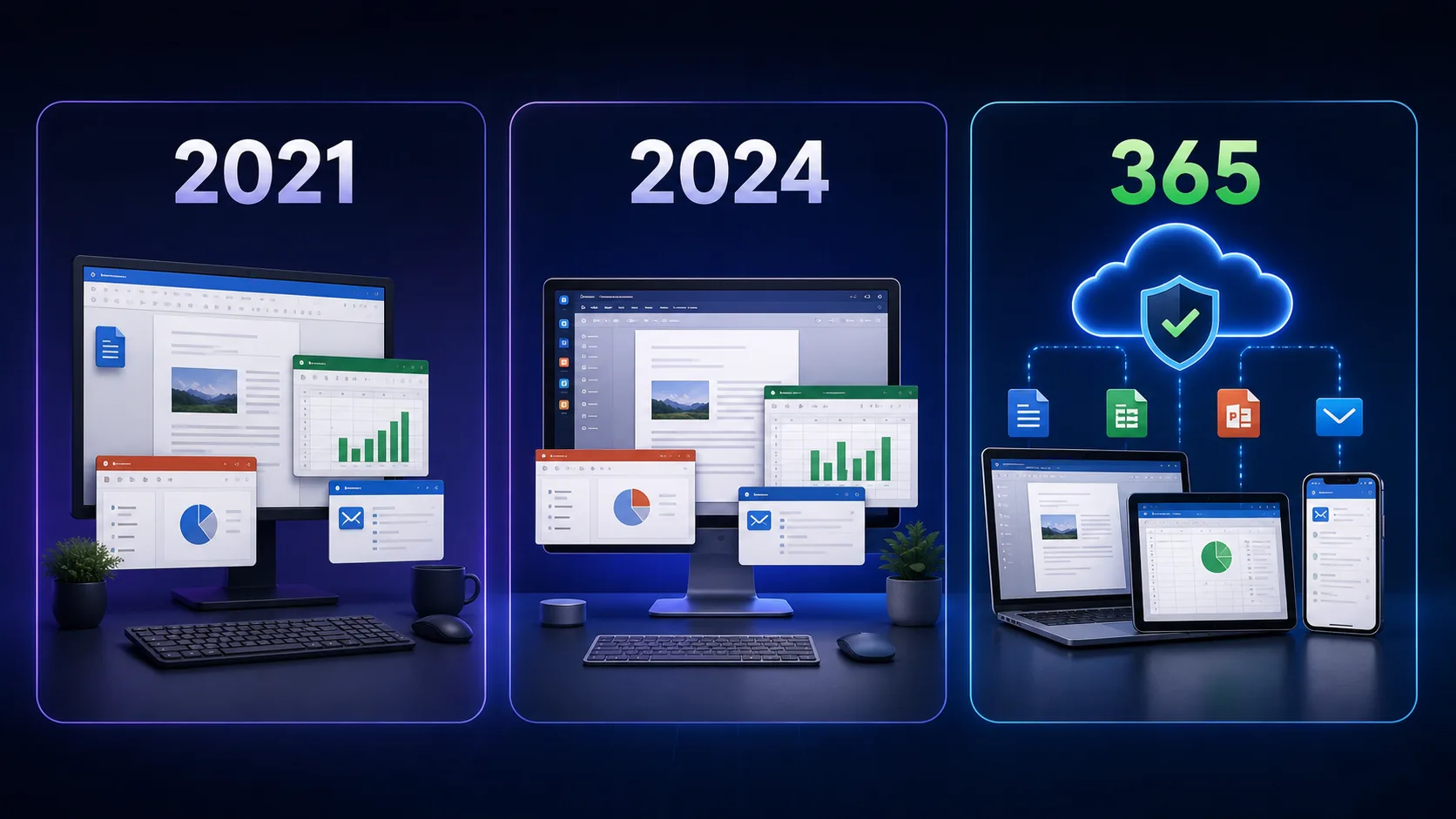
Quick recommendation: Office 2024 is the straightforward one-time purchase for a supported desktop setup. Microsoft 365 is stronger for multiple devices, OneDrive, collaboration and continuous updates. Office 2021 can still serve an existing installation, but its Microsoft support ends on October 13, 2026.
Choose in 30 seconds
- Office 2024: best when you want classic desktop apps and no recurring subscription.
- Microsoft 365: best for families, multiple devices, cloud storage and always-current features.
- Office 2021: keep only when it still fits an existing setup and you have a clear plan for the 2026 support deadline.
Office 2021 vs 2024 vs Microsoft 365
| Feature | Office 2021 | Office 2024 | Microsoft 365 |
|---|---|---|---|
| Payment | One-time | One-time | Monthly or annual subscription |
| Microsoft support | Ends Oct 13, 2026 | Supported current generation | Supported while subscription is active |
| Feature updates | No major new features | Security/quality updates, no next major version | Ongoing features and improvements |
| Devices | Depends on licence; commonly one PC | One PC or Mac for retail Office 2024 | Multiple devices, depending on plan |
| Cloud storage | Not included | Not included | Included with applicable plans |
| Best fit | Existing stable setup | One-time desktop buyer | Cloud and multi-device user |

Office 2021: familiar, but near its support deadline
Office 2021 remains a familiar desktop suite, and the October deadline does not switch off a valid installation. The limitation is lifecycle: after October 13, 2026, Microsoft no longer provides security fixes, bug fixes, or technical support for that version. It is therefore difficult to recommend as a fresh long-term purchase when supported alternatives are available.
Office 2024: one-time purchase, current desktop apps
Office 2024 is designed for buyers who want classic Word, Excel, PowerPoint and other included apps on one PC or Mac without a recurring fee. You receive security and quality updates during its lifecycle, but the purchase does not include a free upgrade to the next major Office release or Microsoft 365 services.
View Microsoft Office 2024 Professional Plus and confirm the included apps, device count, and system requirements before ordering.
Microsoft 365: subscription with cloud and multi-device benefits
Microsoft 365 keeps supported apps current and adds connected services. Depending on the plan, benefits can include OneDrive storage, collaboration, and installation across several PCs, Macs, phones, or tablets. It is usually the better fit for households and people who move between devices.
View Microsoft 365 Family for the current plan details and term.
Microsoft lifecycle versus DigiT World support
Microsoft decides when its software receives vendor updates. DigiT World separately provides eligible order delivery, activation guidance, and product-related customer assistance under our support terms. Microsoft's Office 2021 deadline does not mean DigiT World stops helping customers; it means we cannot supply the Microsoft security updates that end with that lifecycle.
Which one should you buy?
- Home PC with no subscription: Office 2024.
- Family using several devices: Microsoft 365 Family.
- Frequent collaboration and cloud files: Microsoft 365.
- Existing Office 2021 user: continue briefly if required, but plan a supported replacement before October 13.
- Business or regulated work: follow your organisation's security and licensing policy; supported software should be the default.
Frequently Asked Questions
Is Office 2024 better than Office 2021?
For a new one-time purchase in 2026, Office 2024 is generally the better long-term choice because it is newer and remains within Microsoft's support lifecycle.
Is Microsoft 365 the same as Office 2024?
No. Microsoft 365 is a subscription with ongoing updates and connected services. Office 2024 is a one-time purchase for classic desktop apps on one PC or Mac.
Can I use Microsoft 365 on multiple devices?
Yes, eligible Microsoft 365 plans support multiple devices. Exact user, device, and storage limits depend on the plan.
Does Office 2024 include future major upgrades?
No. A one-time Office 2024 purchase does not include a free upgrade to the next major perpetual Office release.
Will DigiT World still help Office 2021 customers?
Yes, eligible order, delivery, and activation assistance continues under DigiT World's support terms even though Microsoft controls product updates and lifecycle dates.